
Daily affirmations for a kinder you
Find calm, every day
Sincere brings personal affirmations to your home screen to help you feel calmer, build confidence, and face each day with more hope
Scan to download
 Get it onGoogle Play(opens in a new tab)
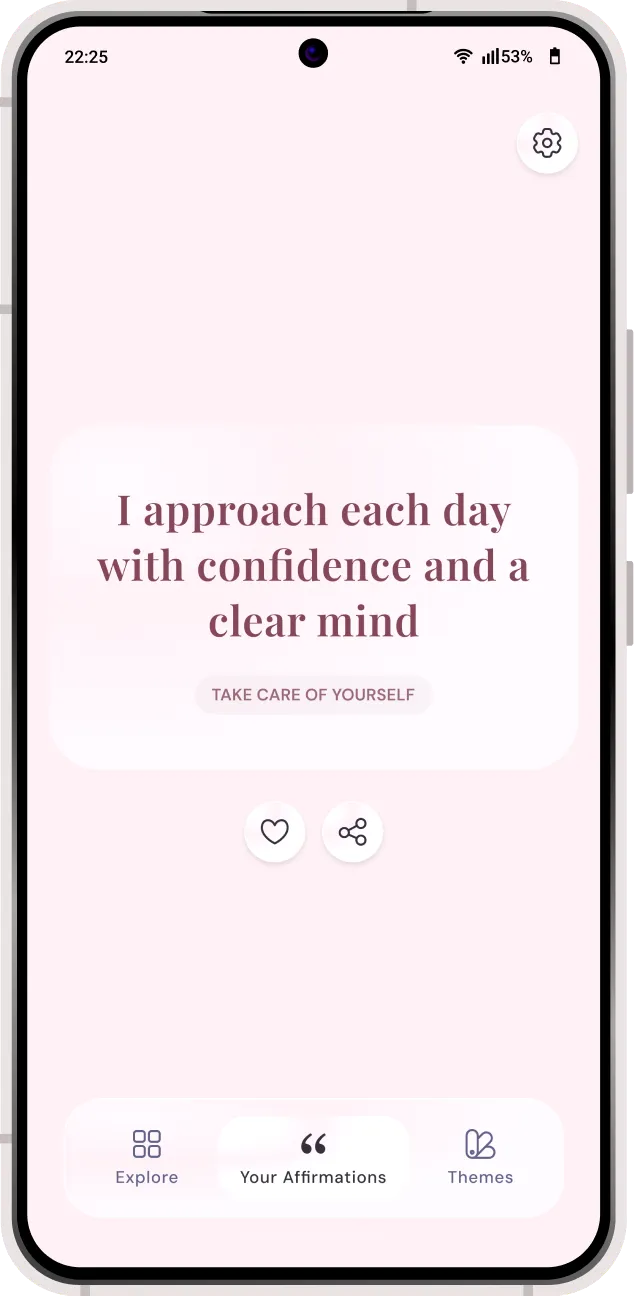
Make space for yourself
Your moments of kindness
Gentle reminders to slow down,
reconnect, and feel more like yourself

Morning
Start with a steadier thought
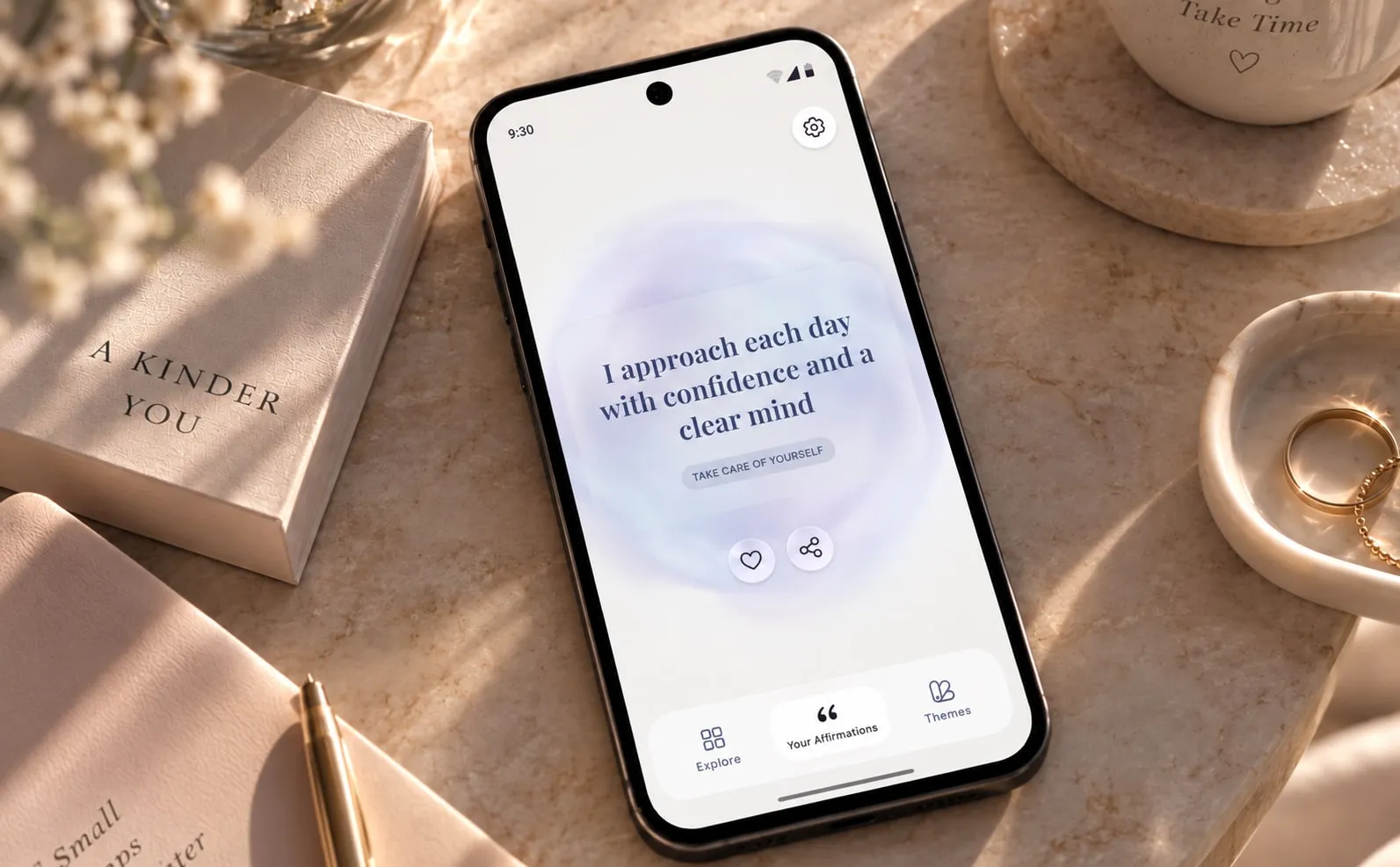
In between
Pause, reset, and keep going

Before sleep
Set down the day and rest easier
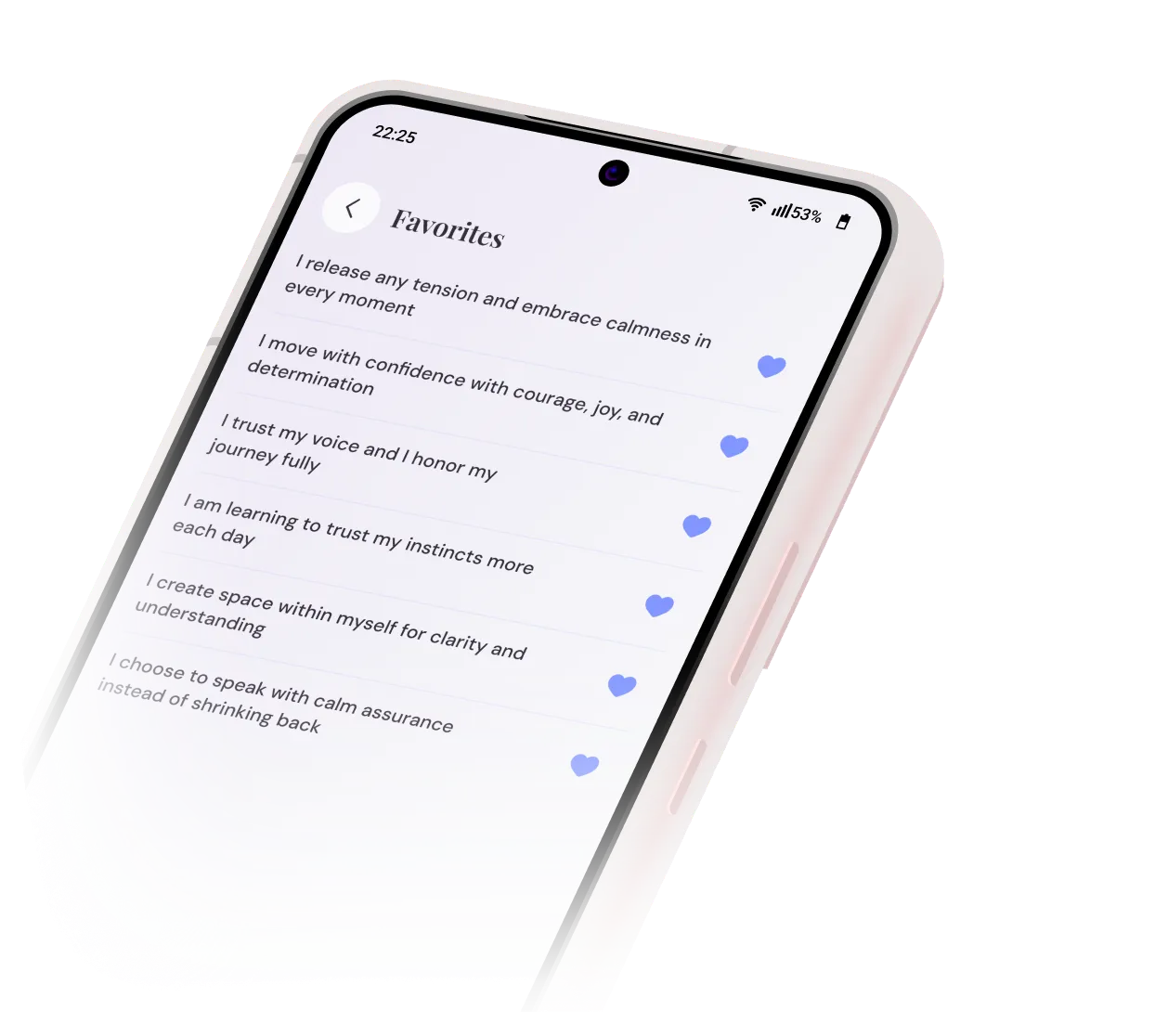
Build your personal collection
Keep what speaks
to you
Save your favorite affirmations and return to the words
that matter most
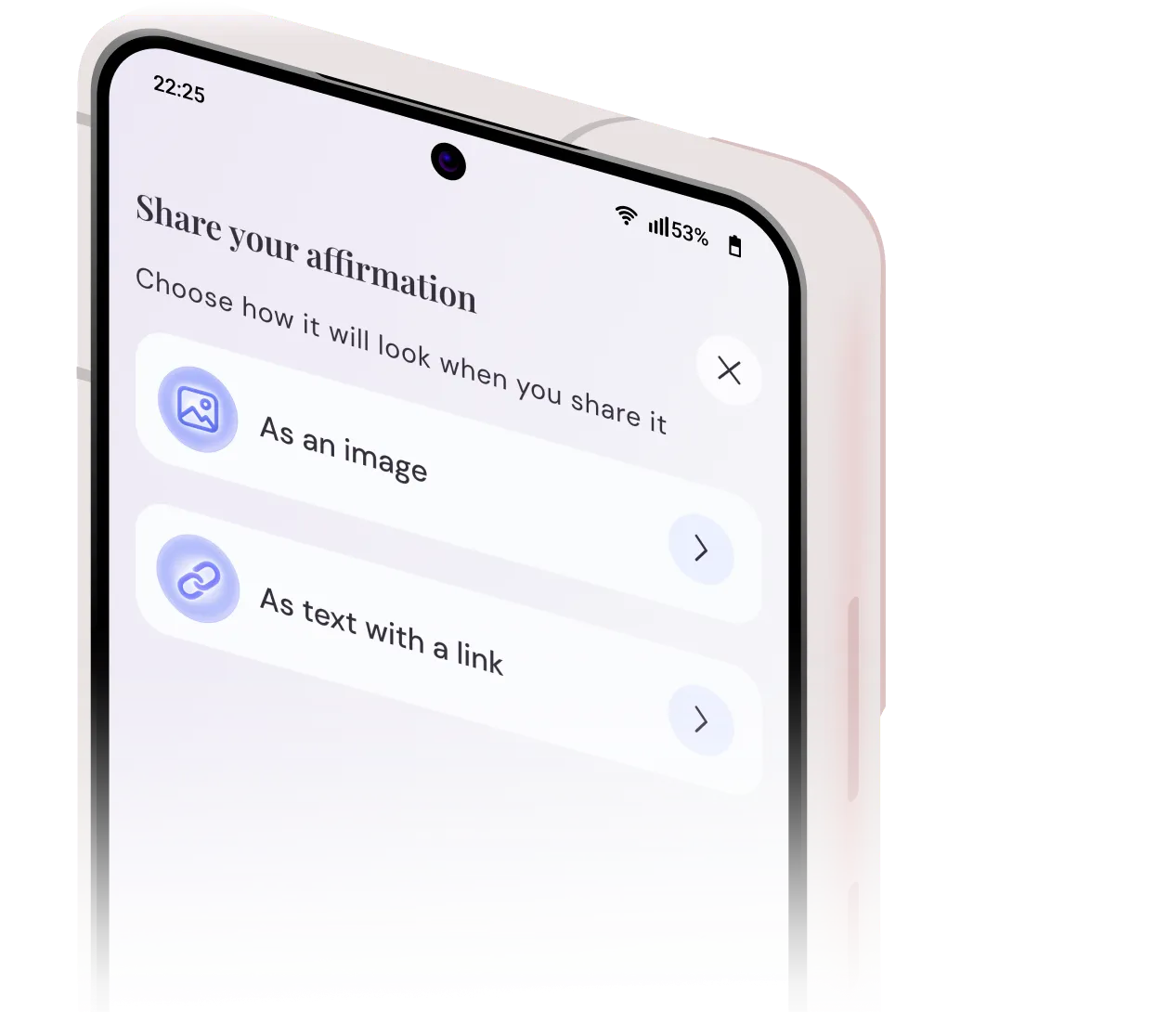
Spread a little kindness
Share what
inspires you
Send meaningful affirmations to the people you love
and brighten their day
Make it your own
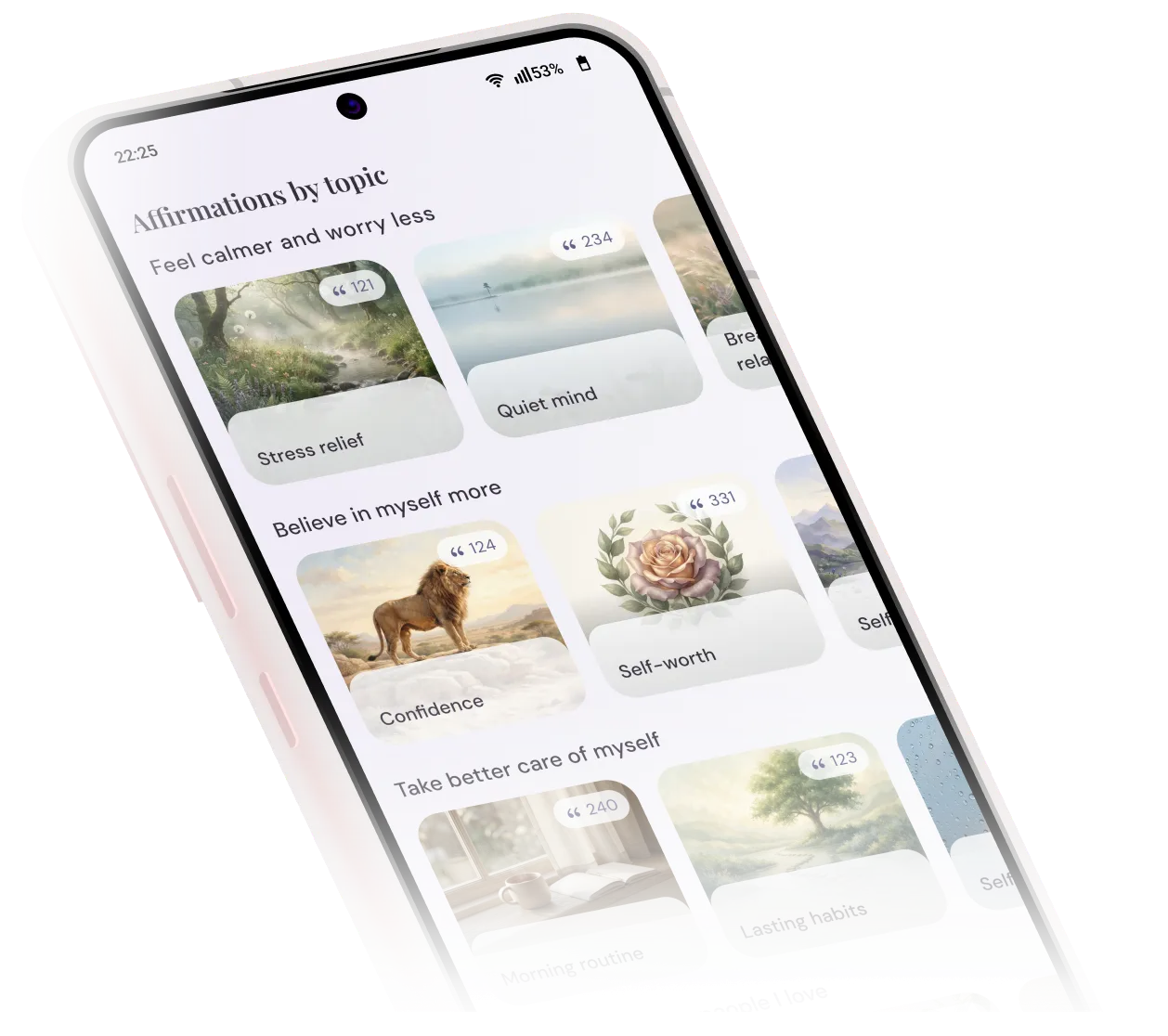
Choose what matters
Explore topics and find affirmations that resonate the most
How it works
Your journey, your affirmations
Three simple steps from your first answer to a daily ritual
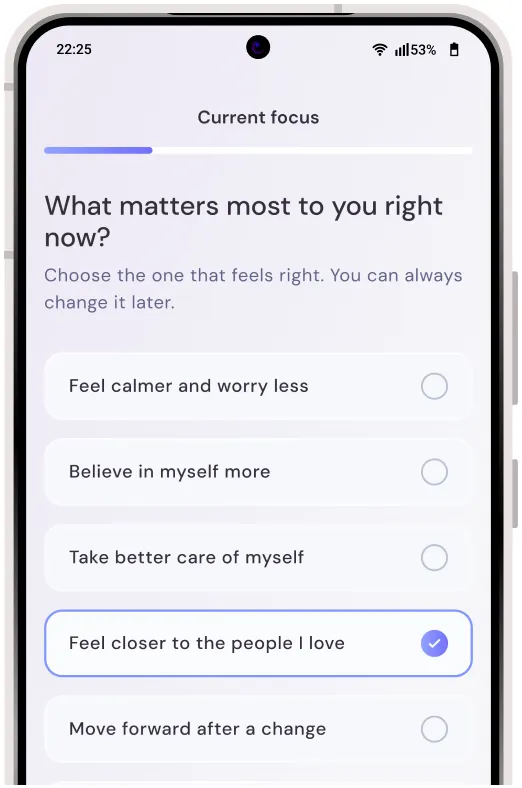
Step 1: Pick your focus
Choose a focus in less than a minute
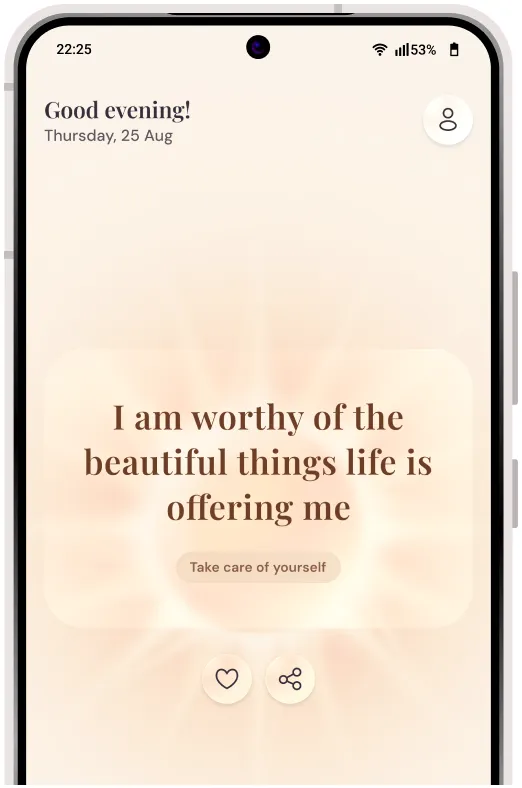
Step 2: Get your affirmations
Tailored to your mindset, and personal journey
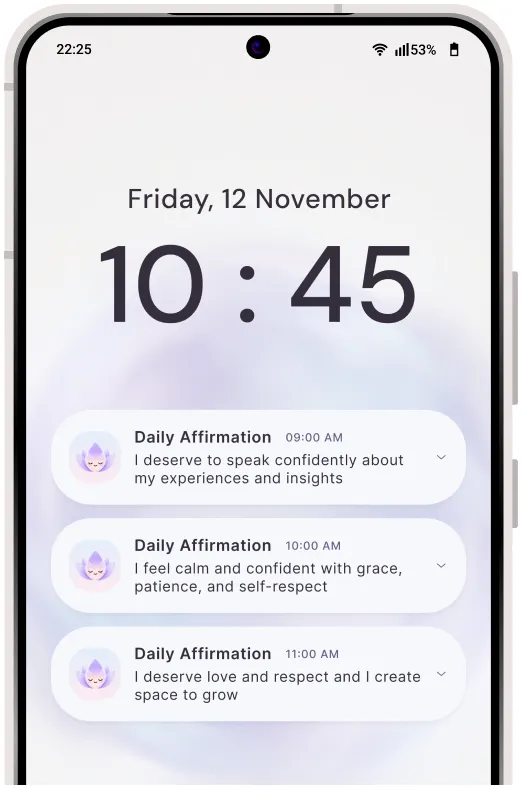
Step 3: Build a daily ritual
Get gentle reminders when you need them
Always one tap away
All-in-one affirmations launcher
Sincere turns your home screen into a calmer space — with the words you need always in sight
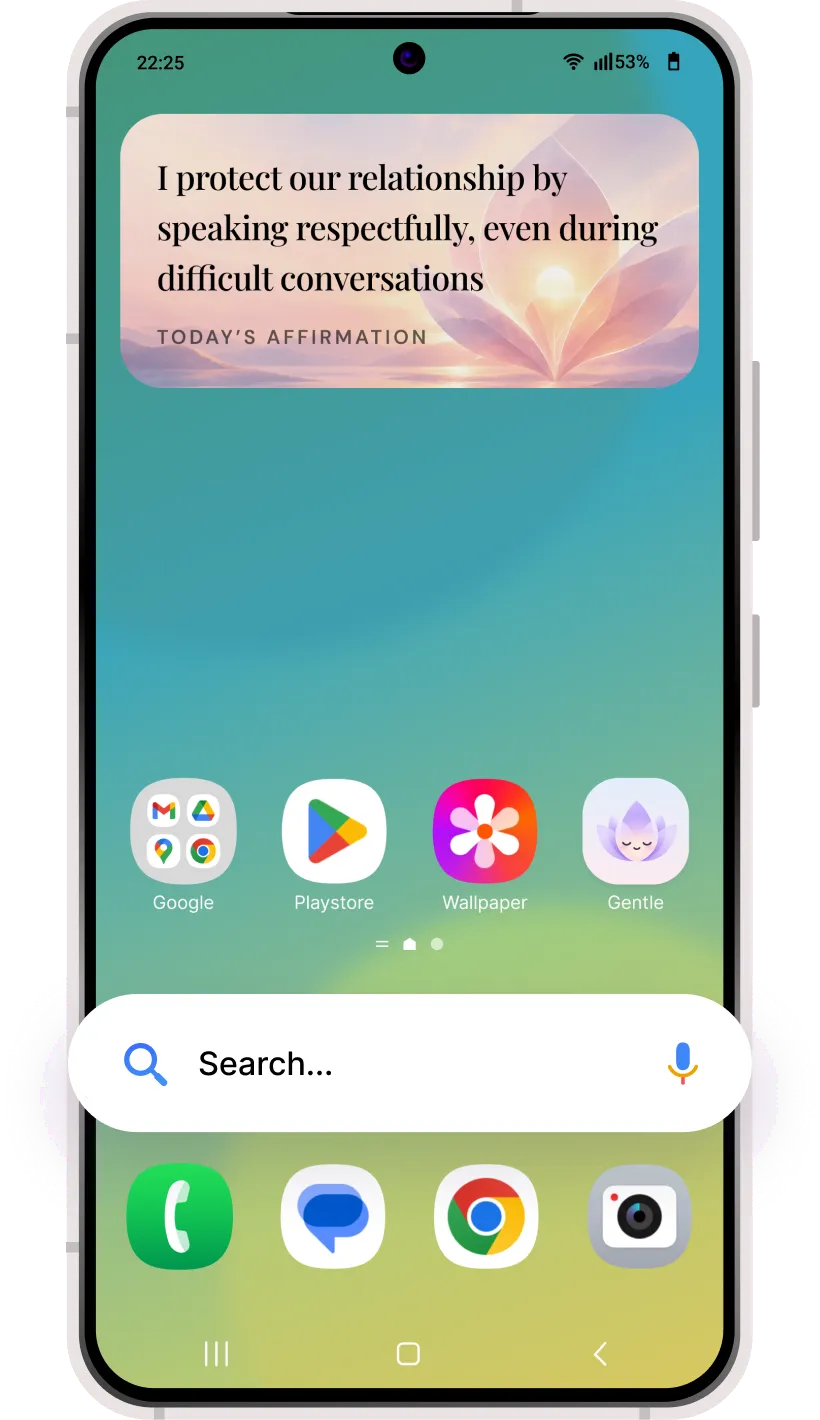


Affirmation widget
Find calm with a kind word every time you unlock
Search from home
Find apps and search the web from your home screen
Home screen shortcut
Open affirmations, favorites, and topics with one tap
Frequently asked questions
Everything you need
to know
Quick answers about Sincere and your daily affirmations
Scan to download
Get it onGoogle Play(opens in a new tab)What is Sincere, and why does it change my home screen?
Sincere is a launcher, the app that changes your phone’s home screen. When you set it as your home screen, your affirmations appear every time you unlock your phone, so you can see them every day without opening an app. Your apps and data stay exactly where they were.
Where are my apps?
All your apps are still on your phone. Here’s how to find them:
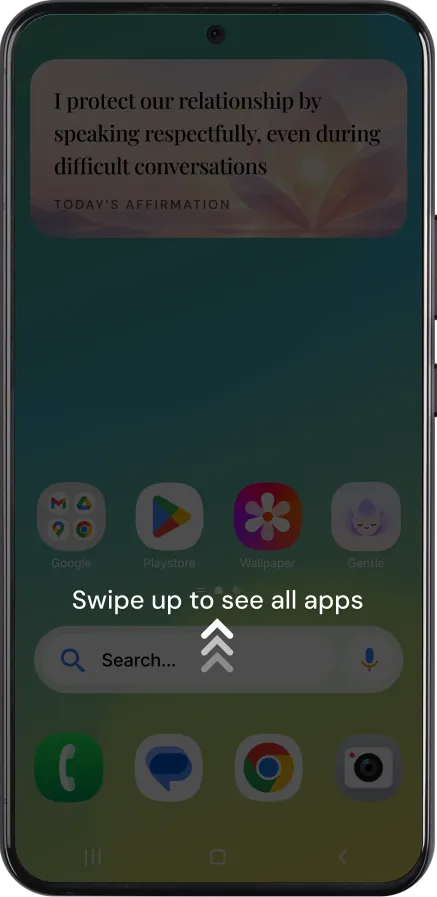
Option 1 — All apps
Swipe up on the home screen to see all your apps
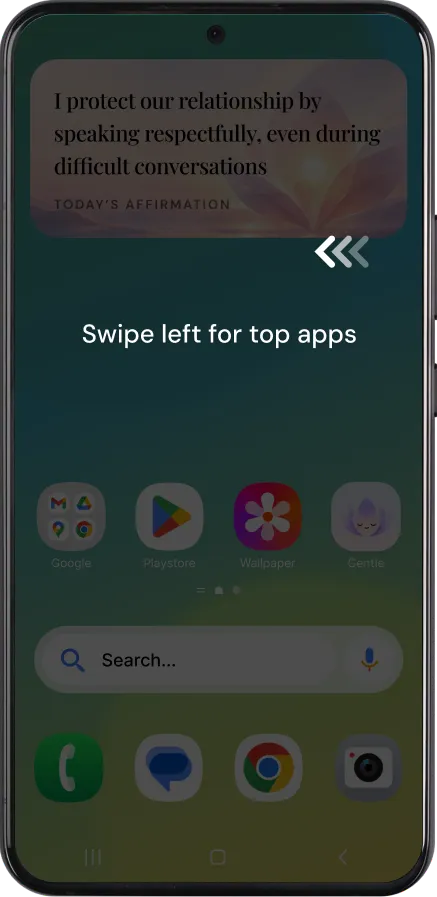
Option 2 — Most-used apps
Swipe left on the home screen to see the apps you use most
How much does the app cost?
Sincere is completely free to download and use, and every feature is open to you from day one. We believe a little daily encouragement shouldn’t come with a price tag, so affirmations are available to everyone, with no subscriptions and no hidden extras.
How do I switch back to my previous home screen?
To switch back to your previous home screen, open your device’s Home Settings menu by long-pressing on the home screen, then select your previous home screen or launcher.
Is my data private and secure?
We only use your information to run Sincere and personalise your affirmations. You can see and manage your data anytime in the app under Settings → Your data. To learn what we collect and how we use it, read our Privacy Policy. You can also choose not to have your personal information sold or shared.